How To Use
1. If you are looking around
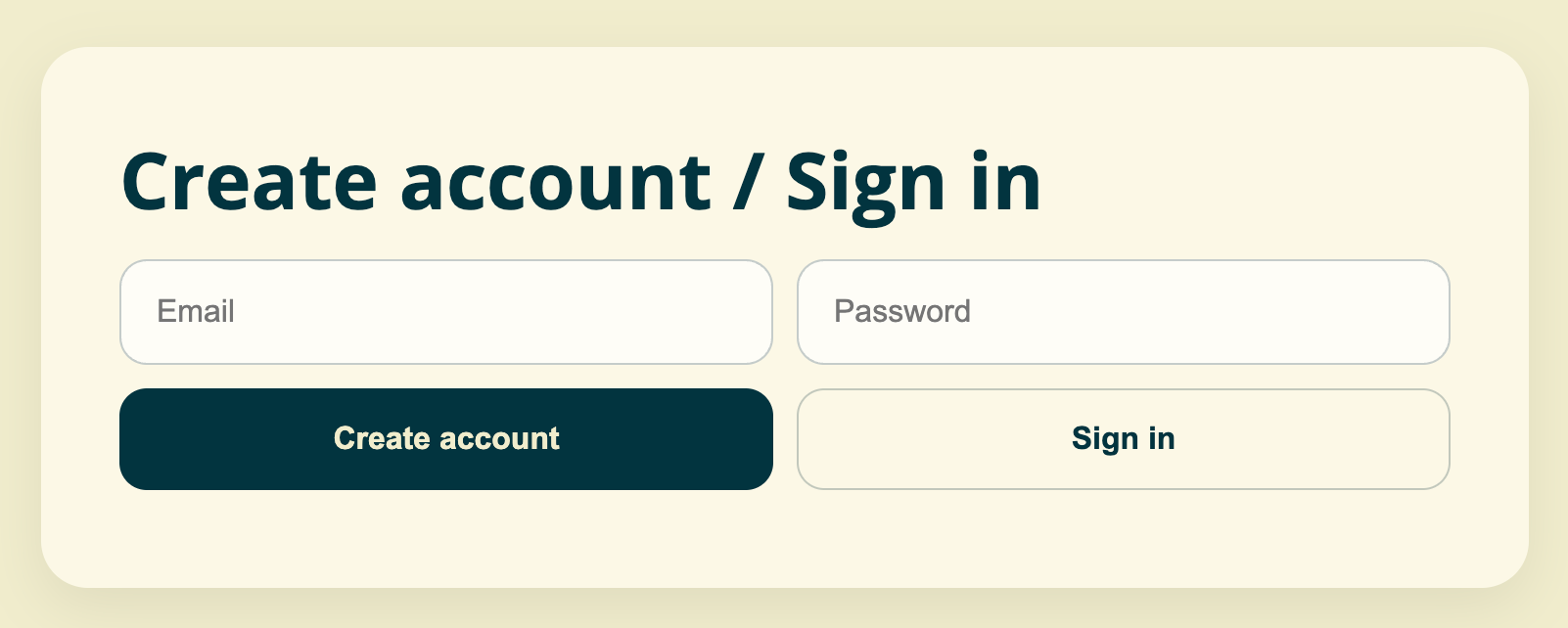
Go to the Home page and browse the main dashboard to see the sign-in area and search options.
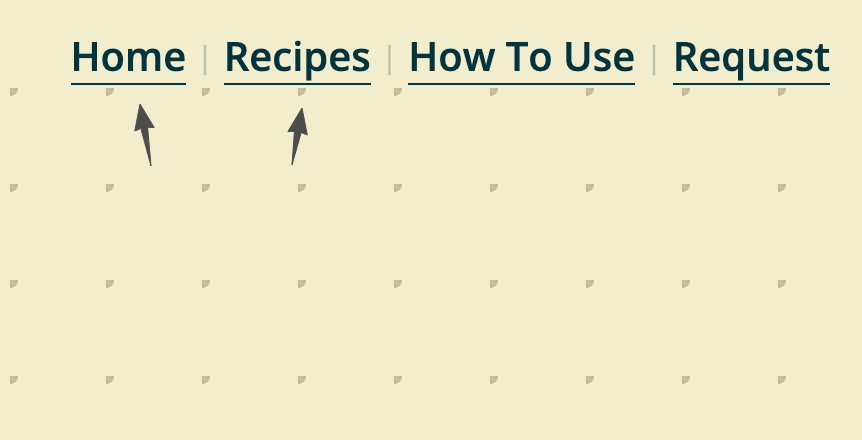
Use the navigation bar at the top to move between Home, Recipes, and other sections.
2. If you want to check items' availabilities
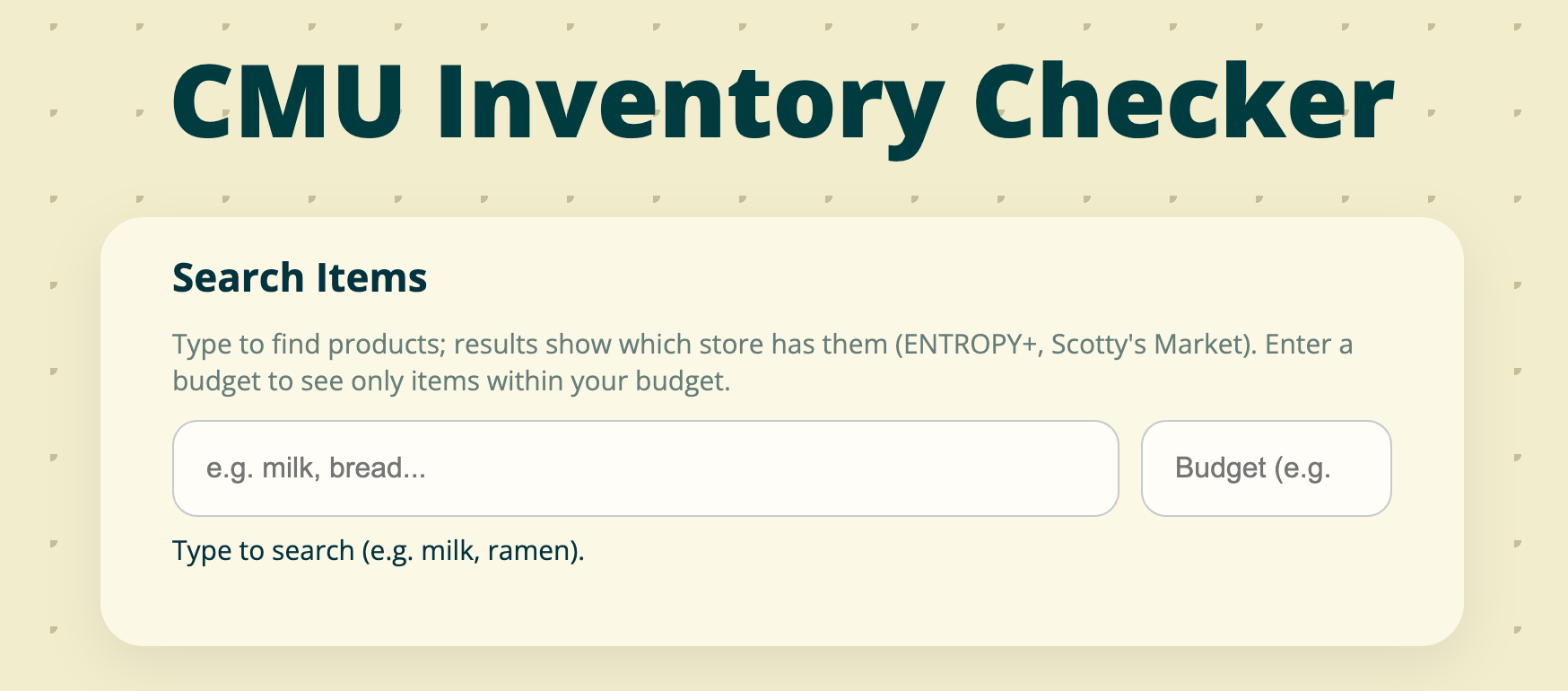
On the Home page, find the "Search store products" section.
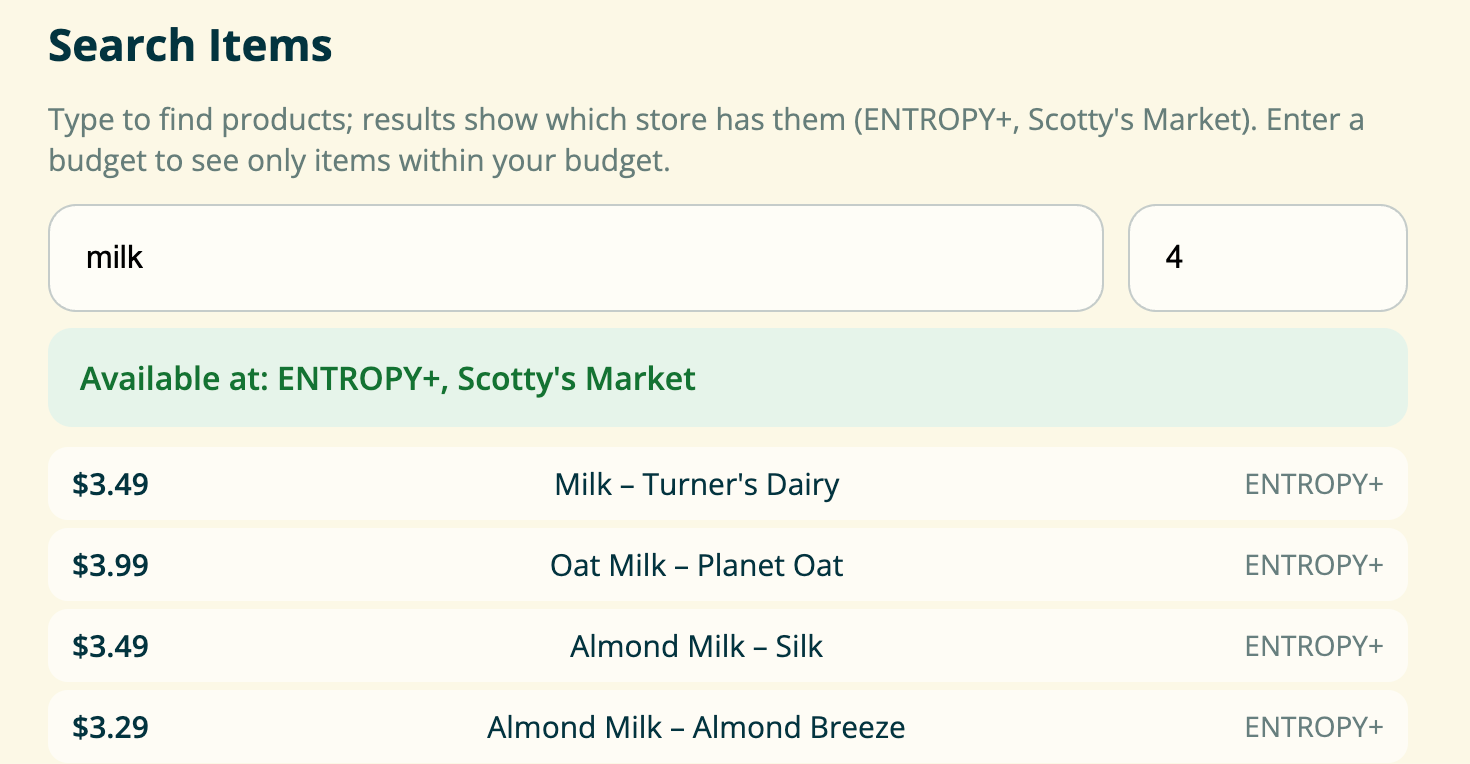
Type the product name (e.g. milk, bread) in the search box. Results will show which store has the item (ENTROPY+, Scotty's Market).
3. If you want to get recipes of what you want to cook
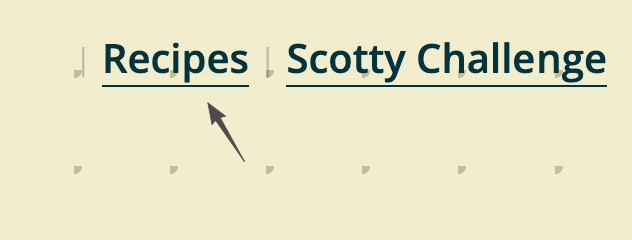
Click "Recipes" in the navigation bar to open the Recipes page.
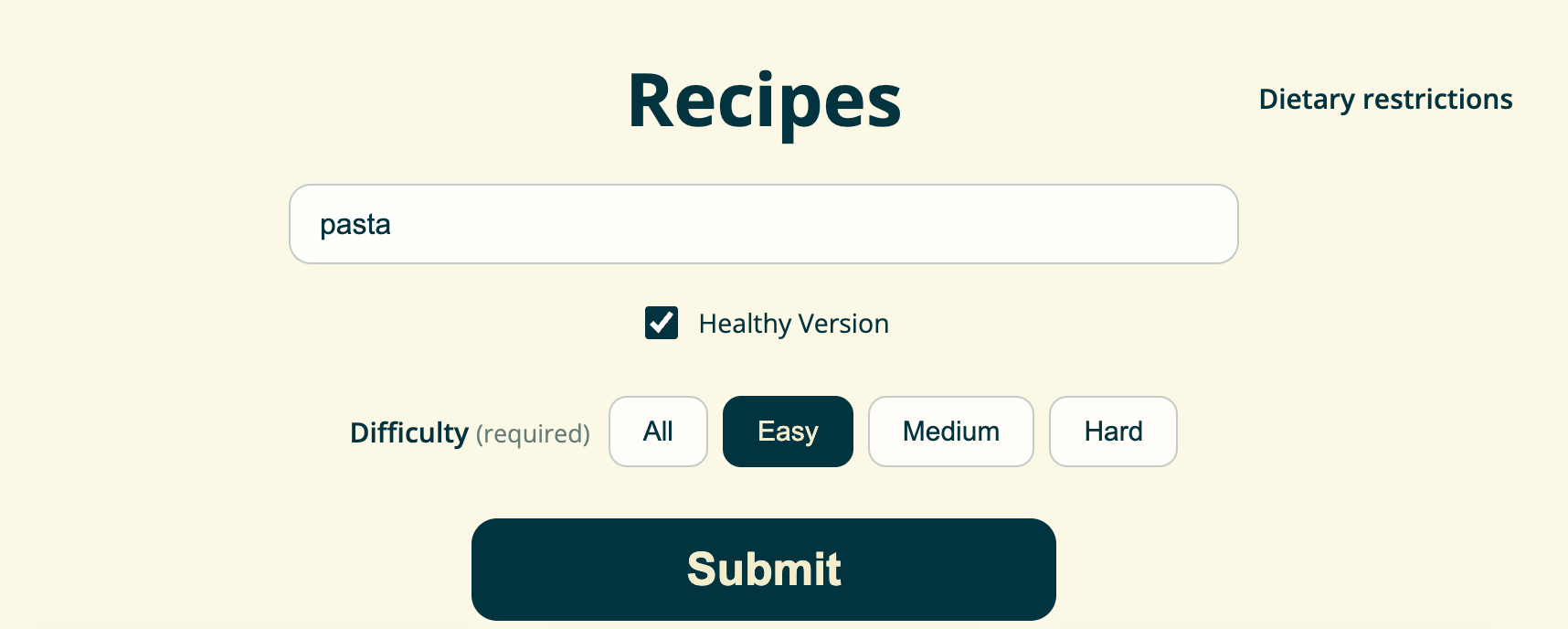
Type what you want to make in the search box (e.g. pasta, salad). Check "Healthy Version" if you want healthier options.
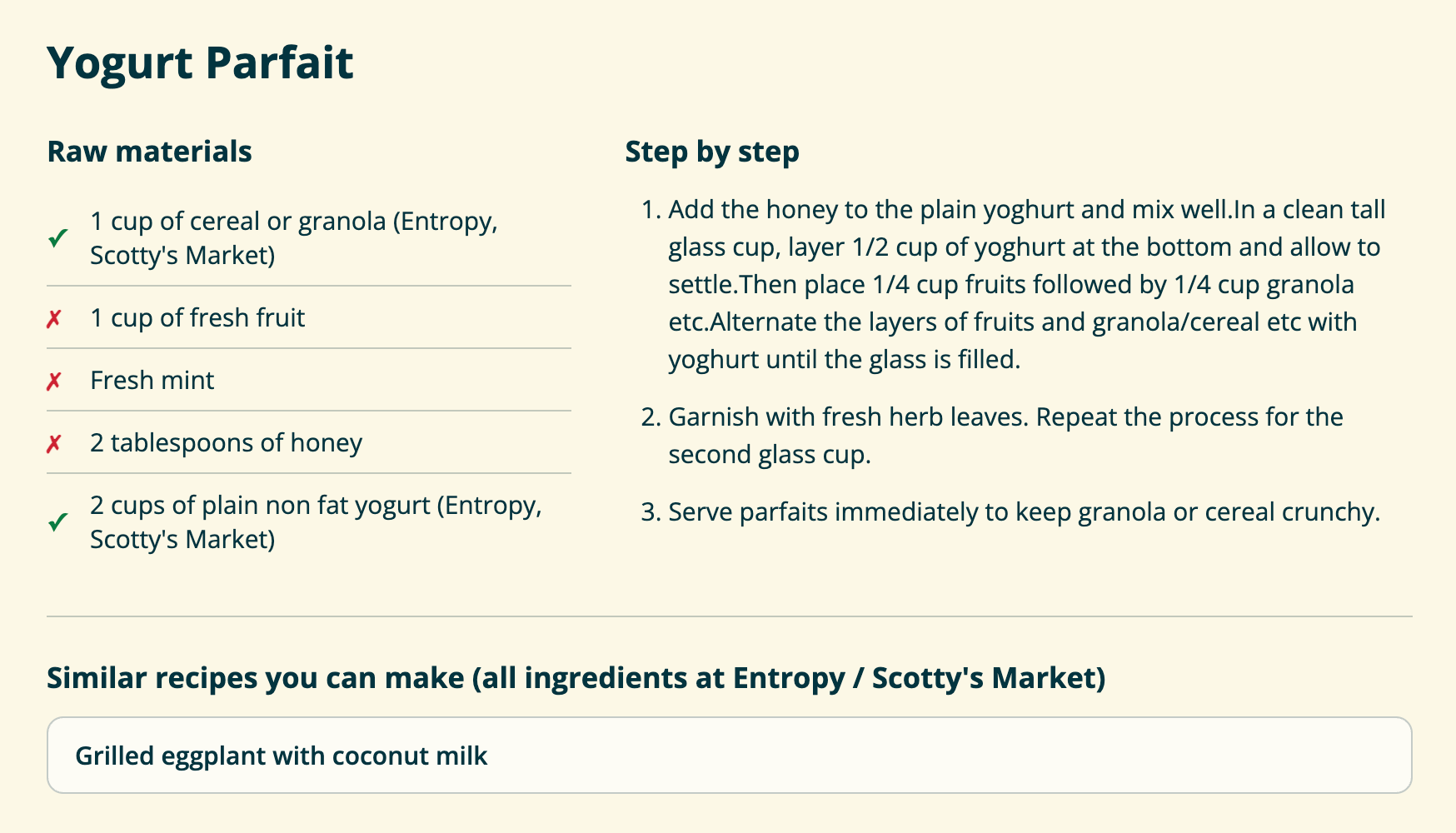
Browse the recipe cards and click one to view full instructions and details.